

做完了之前的登陆界面后,我们要优化界面,使界面看起来,更加美观
第一步:去Adminlte官网上下载所需要的框架
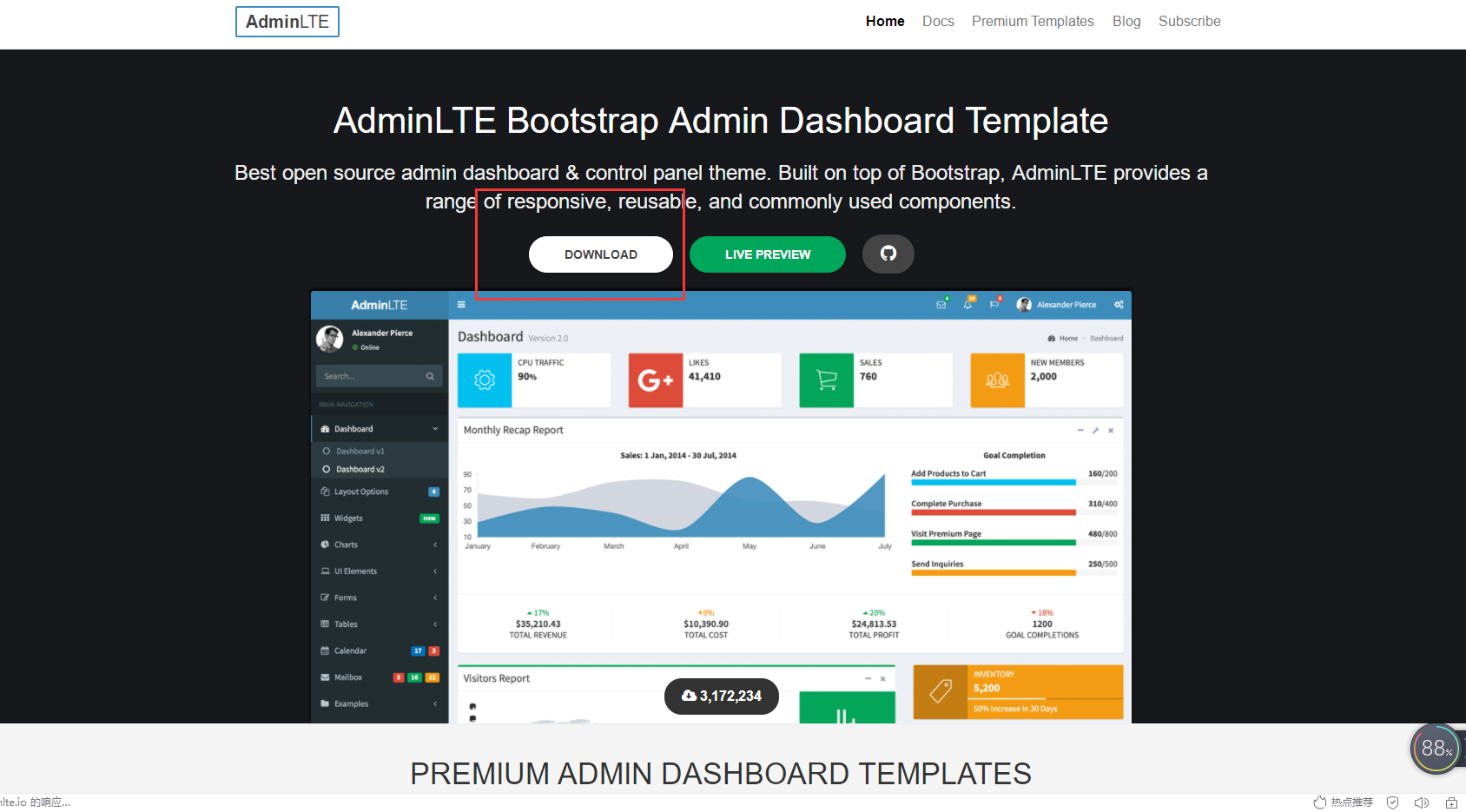
第二步:选择要使用的页面
把login.jsp和dist和plugins移动到idea后运行程序
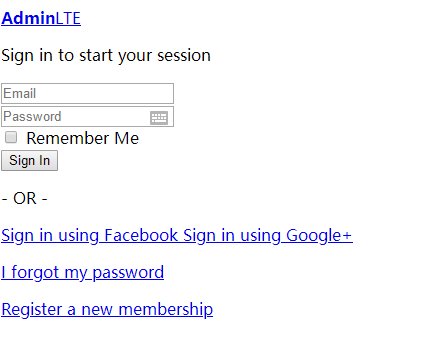
第三步:修改使用的页面的代码
把login.jsp和dist和plugins移动到idea后运行程序
text
1
2
3
4
5
6
7
8
9
10
11
12
13
14
15
16
17
18
19
20
21
22
23
24
25
26
27
28
29
30
31
32
33
34
35
36
37
38
39
40
41
42
43
44
45
46
47
48
49
50
51
52
53
54
55
56
57
58
59
60
61
62
63
64
65
66
67
68
69
70
71
72
73
74
75
76
77
78
79
80
81
82
83
84
85
86
87
88
89
90
91
92
93
94
95
96
97
98
99
<%@ page contentType="text/html;charset=UTF-8" language="java" %>
<!DOCTYPE html>
<html>
<head>
<meta charset="utf-8">
<meta http-equiv="X-UA-Compatible" content="IE=edge">
<title>林XX的酒店管理系统</title>
<!-- Tell the browser to be responsive to screen width -->
<meta name="viewport" content="width=device-width, initial-scale=1">
<!-- Font Awesome -->
<!-- Ionicons -->
<!-- icheck bootstrap -->
<!-- Theme style -->
<!-- Google Font: Source Sans Pro -->
</head>
<body class="hold-transition login-page" >
<%--background="http://localhost:8080/images/win10.jpg"--%>
<div class="login-box">
<div class="login-logo">
<a href="../index2.html"><b>林XX</b>酒店管理系统</a>
</div>
<!-- /.login-logo -->
<div class="card">
<div class="card-body login-card-body">
登陆系统
<form action="./login" method="post">
<div class="input-group mb-3">
<input type="text" class="form-control" placeholder="用户名" name="loginName">
<div class="input-group-append">
<div class="input-group-text">
</div>
</div>
</div>
<div class="input-group mb-3">
<input type="password" class="form-control" placeholder="密码" name="loginPwd">
<div class="input-group-append">
<div class="input-group-text">
</div>
</div>
</div>
<div class="row">
<div class="input-group mb-3">
<input type="text" class="form-control" placeholder="验证码" name="validCode">

<div class="input-group-append">
<div class="input-group-text">
</div>
</div>
</div>
</div>
<div class="col-4">
</div>
<div class="row">
<div class="col-8">
<div class="icheck-primary" style="color: blue">
<%=request.getAttribute("msg")%>
</div>
</div>
<!-- /.col -->
<div class="col-4">
<button type="submit" class="btn btn-primary btn-block">登陆</button>
</div>
<!-- /.col -->
</div>
</form>
</div>
<!-- /.login-card-body -->
</div>
</div>
<!-- /.login-box -->
<!-- jQuery -->
<script src="../plugins/jquery/jquery.min.js"></script>
<!-- Bootstrap 4 -->
<script src="../plugins/bootstrap/js/bootstrap.bundle.min.js"></script>
<!-- AdminLTE App -->
<script src="../dist/js/adminlte.min.js"></script>
</body>
</html>
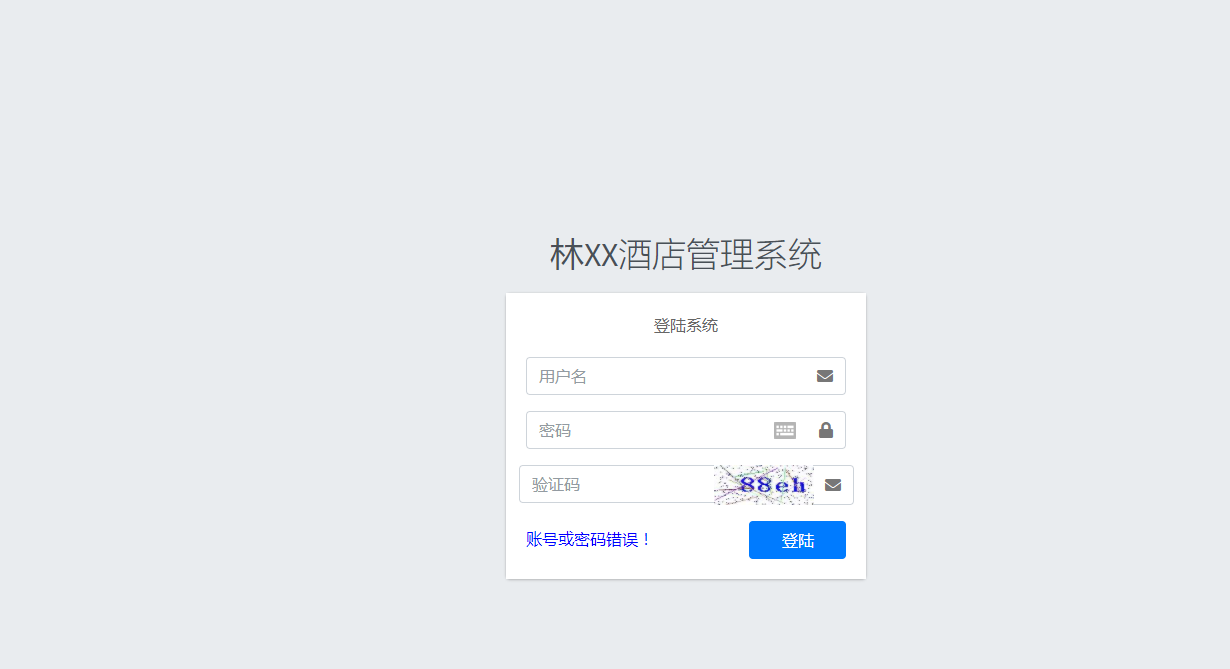
第四步:运行程序

评论
登录后即可评论
分享你的想法,与作者互动
暂无评论